Contals vs Notion
Notion is a kit of pages and databases; Contals is a ready-made board – helpers are free and the data stays in the EU on every plan.
Free for small teams. Volunteers and guests are always free. No credit card.
Feature by feature
| Aspect | Contals | Notion |
|---|---|---|
| Focus | Kanban boards for teams with many projects and helpers | Connected workspace: pages, wikis and databases that can also be shown as a board |
| Pricing model | Per full member; volunteers, guests, viewers free | Per member (seat); guests do not take a seat |
| Paid plans (list price, per user/month) | CHF 4.50 / €4.50 / $4.50 Team · CHF 9 / €9 / $9 Business (annual billing; early-access prices) | approx. Plus $10 · Business $20 (annual billing) |
| Free plan | 5 full members, 10 active boards, unlimited free roles | Unlimited for individuals; for 2+ members a block limit, 10 guests, 7 days of page history, uploads up to 5 MB |
| Guests and helpers | Free on every plan and any number of boards | 10 guests on the free plan; unlimited from Plus |
| Data location | EU jurisdiction (Cloudflare, a US company) | In the US by default; EU data residency (Frankfurt) only on the Enterprise plan |
| Mobile | Installable web app with push notifications; no native apps | Apps for Mac, Windows, iOS and Android |
| Extensions and integrations | 16 first-party Power-Ups in every plan (calendar, automation, date polls, booking pages, chat notifications …); public REST API and MCP server; imports from Trello and others | Integrations and a public API |
| AI | Your organization’s own AI provider (OpenAI-compatible, Anthropic, Google Gemini) for an assistant and AI on cards; no metered credits; MCP server for your own assistant | Notion Agent and AI meeting notes from Business; a trial on Free and Plus; custom agents with credits |
| Maturity | New, early access (as of October 2026) | Established |
Notion details from the vendor’s pricing page and public information, checked on 20 October 2026; annual list prices, rounded. Details may change – please check with the vendor. Source: https://www.notion.com/pricing, https://www.notion.com/help/data-residency, https://www.notion.com/nonprofits, https://www.notion.com/desktop
Which one fits you?
Notion fits better if …
- You want documents, wikis and tasks in the same tool.
- Your team likes to build its own databases with properties, formulas and views.
- You need desktop apps for Mac and Windows.
- You are a nonprofit on the Business plan – Notion gives 50 % off it.
Contals fits better if …
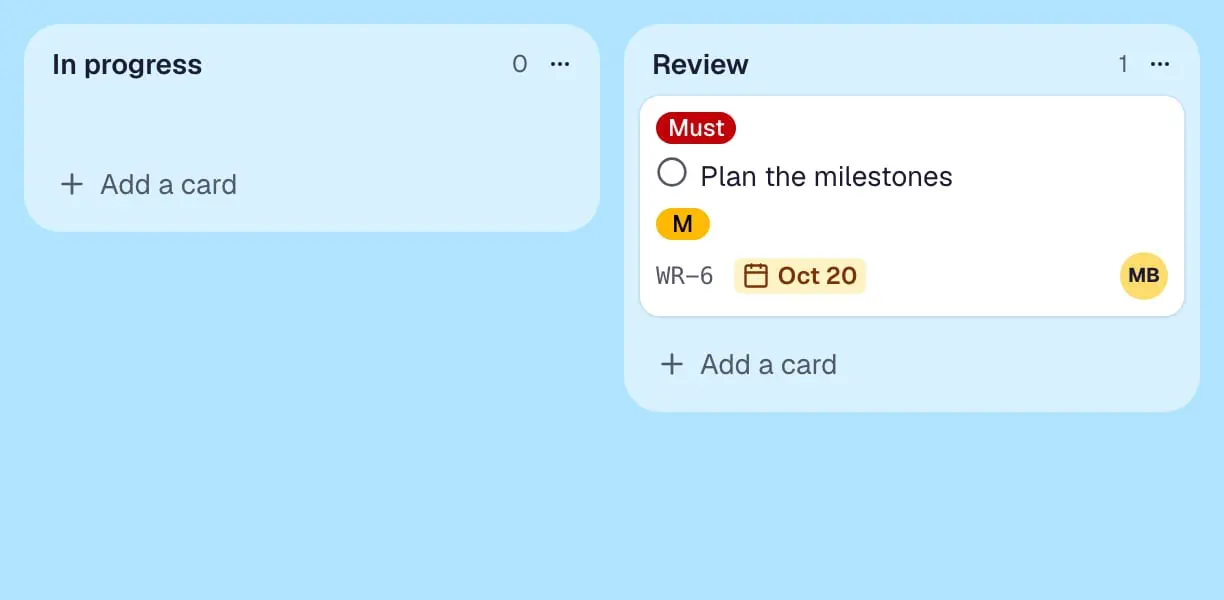
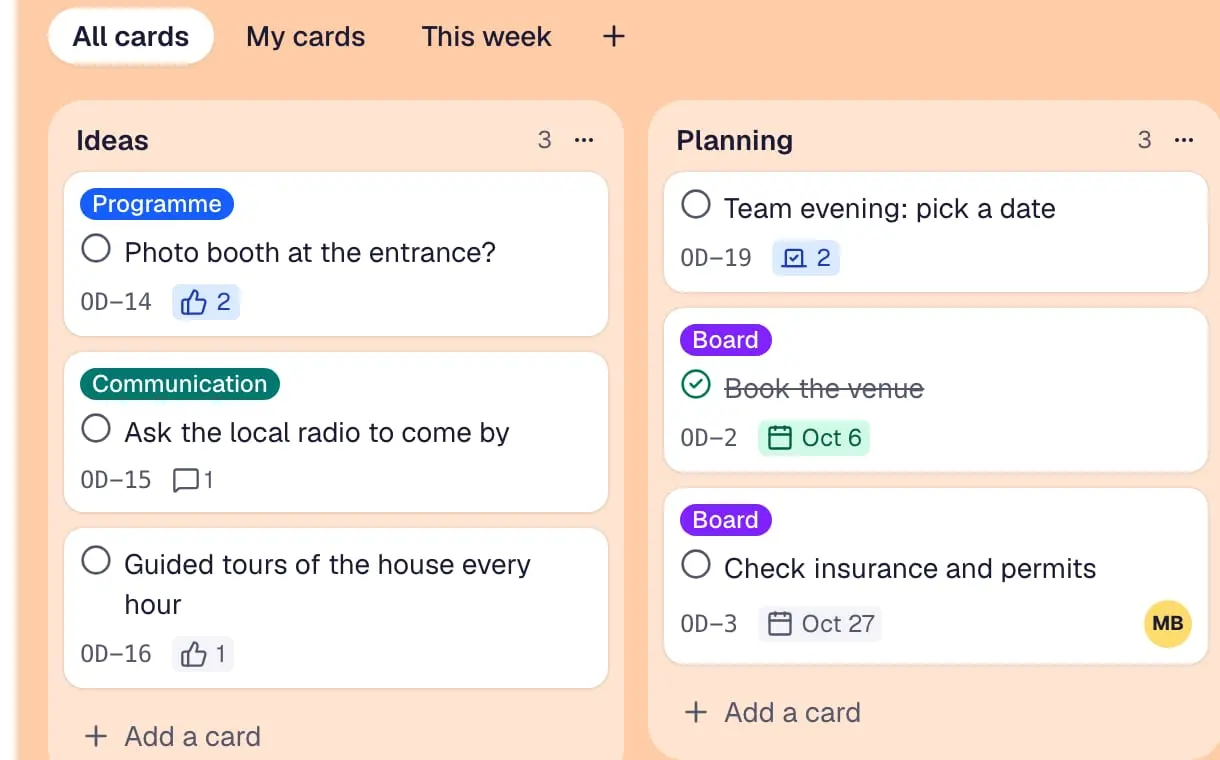
- You want a board that works right away, without building a database first.
- You want to work for free with 5 full members and any number of helpers.
- EU data residency matters to you, without an Enterprise contract.
- You want AI with your organization’s own provider instead of credits.
Questions and answers
Is Notion a Trello alternative?
For teams that want documents and tasks together, yes: any Notion database can be shown as a board. Contals is a pure board tool with lists, cards, checklists and Power-Ups – less free-form, but ready without any setup.
Can I import a Notion database into Contals?
Yes: export the database in Notion as “Markdown & CSV” and import the CSV. The title column becomes the card title and the status becomes lists; people, dates, multi-select (as labels) and the “Done” checkbox come along. Page content is not part of Notion’s CSV.
Try Contals alongside the tool you use now.
Free for small teams. Volunteers and guests are always free. No credit card.