Every board as simple as its team needs.
You switch on 16 Power-Ups per board – all included in every plan, all built by the Contals team.
Scheduling
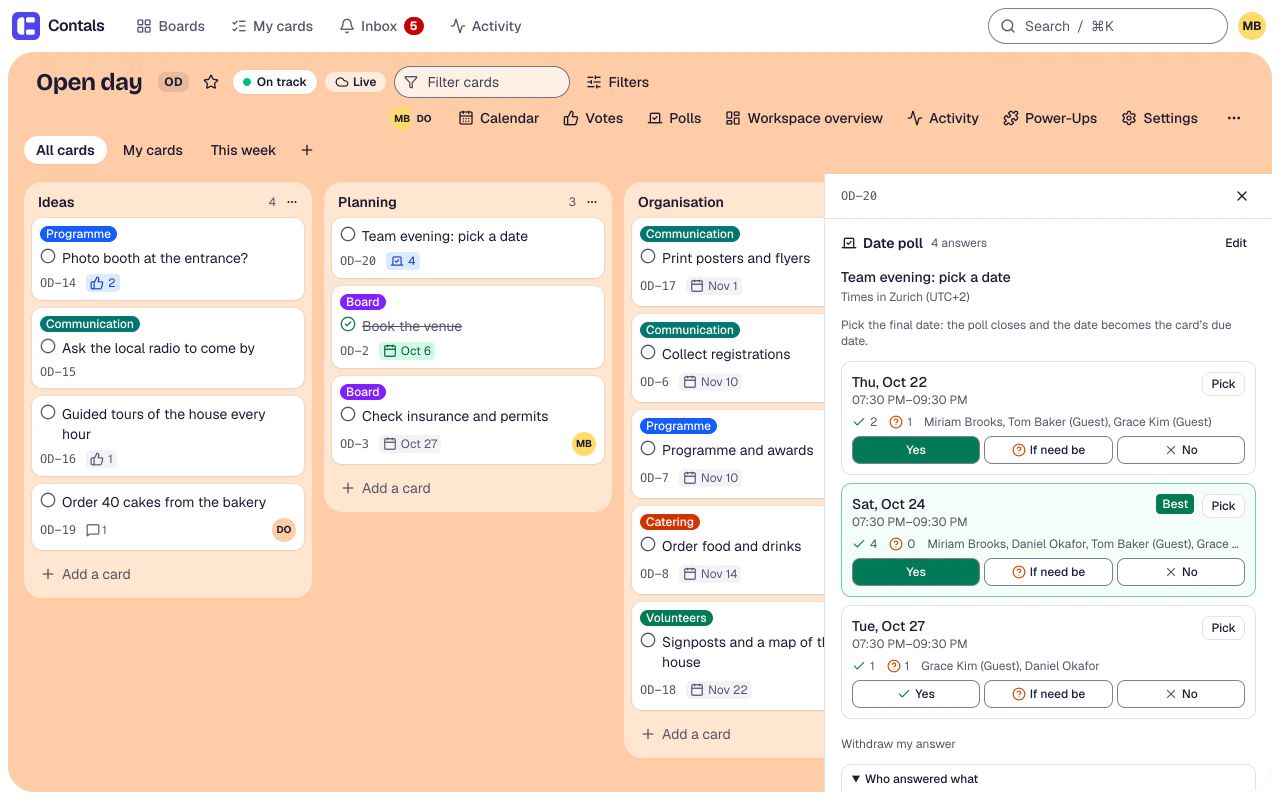
Date poll
AvailablePropose dates or time slots on a card; members and guests without an account vote (yes, if need be, no). The chosen slot becomes the due date.
Covers: Doodle
Needs: Due dates (turned on with it)
Video: the organiser picks the best evening of the date poll – it becomes the card’s due date.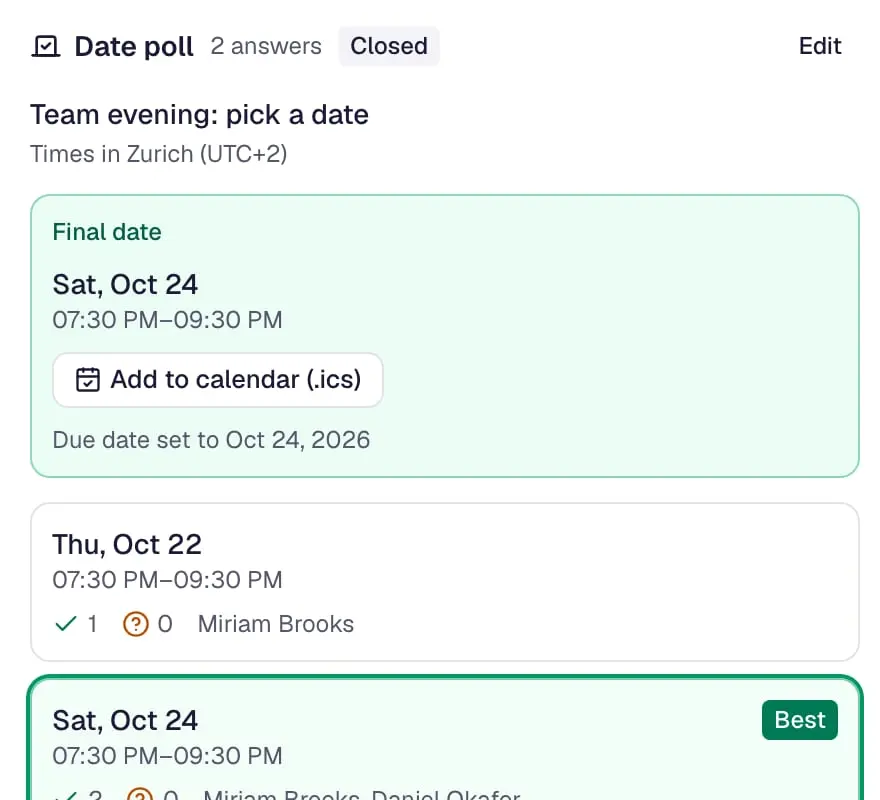
The best date wins Booking page
AvailableA public page where clients book free time slots. Every booking becomes a card with a due date, confirmed by e-mail with a calendar file.
Covers: Calendly
Needs: Due dates (turned on with it)
Video: on a phone, someone books a get-to-know-you talk on the public booking page – confirmed at once.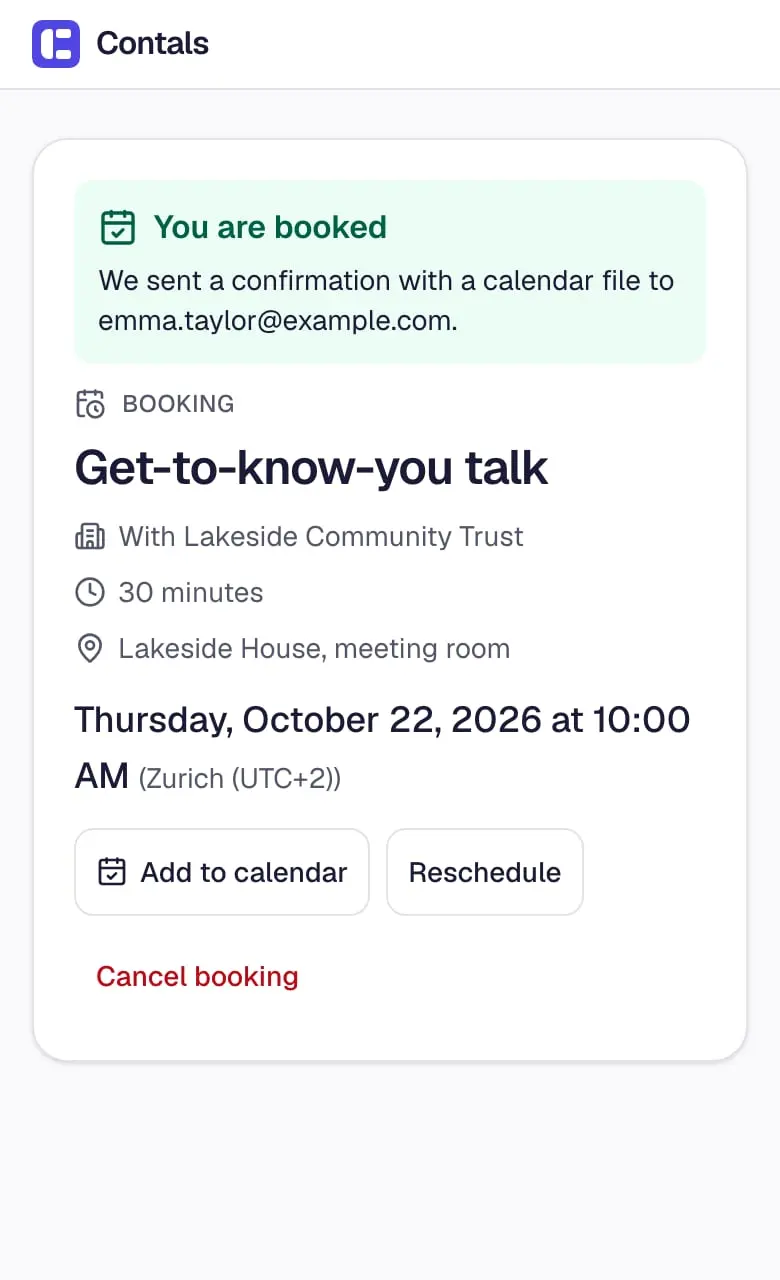
Book a slot
Planning
Due dates
On for new boardsDue dates on cards with overdue hints, shown as a date or a countdown.
Covers: Countdown
Video: a due date is set in the card’s details, and the card on the board shows it at once.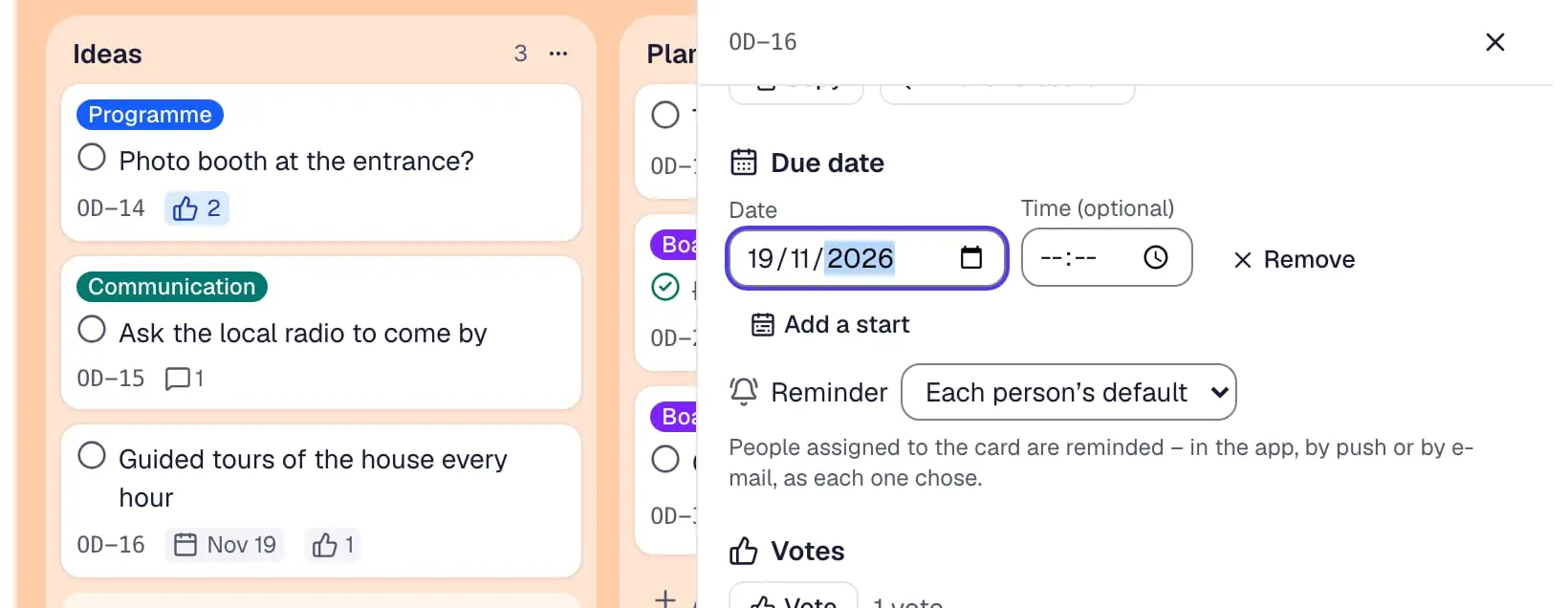
Dates on the card Calendar
AvailableCards by due date in a month and a week view. Drag cards to another day, schedule unplanned cards, export as .ics.
Covers: Calendar Power-Up
Needs: Due dates (turned on with it)
Video: in a board’s calendar, a card without a date is dragged onto a day of the week.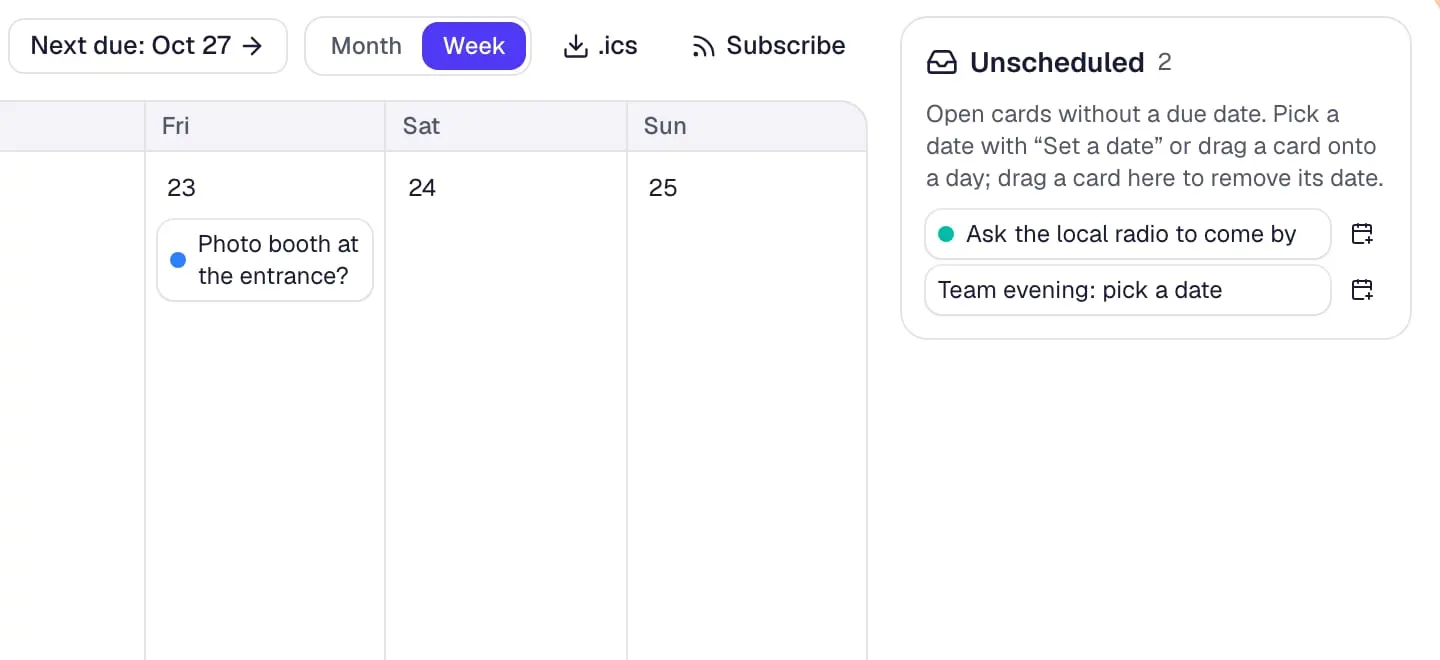
Drag onto a day List limits
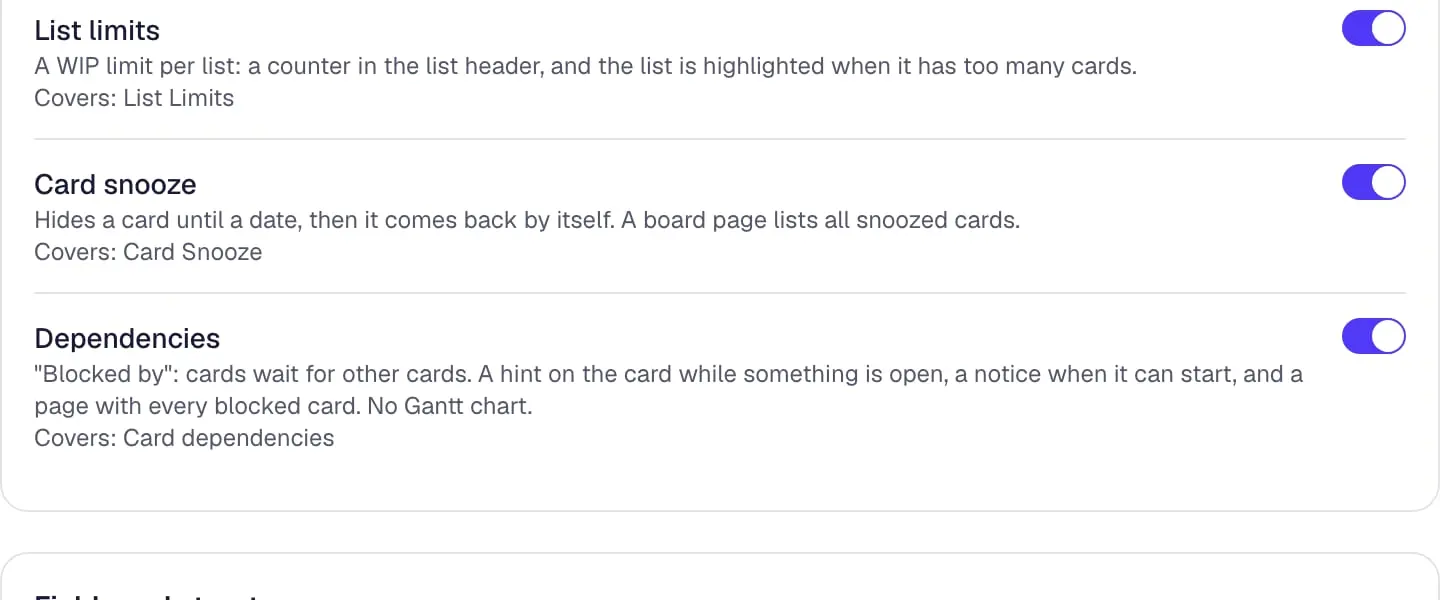
AvailableA WIP limit per list: a counter in the list header, and the list is highlighted when it has too many cards.
Covers: List Limits
Video: the list “In progress” holds three cards – a fourth turns its counter and the list red.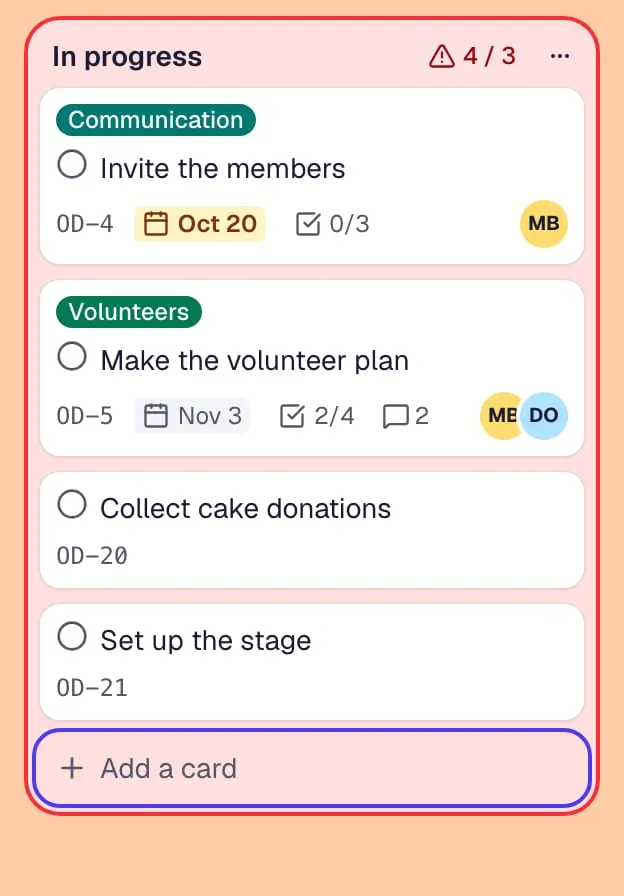
A limit per list Card snooze
AvailableHides a card until a date, then it comes back by itself. A board page lists all snoozed cards.
Covers: Card Snooze
Video: a card is snoozed until next week and leaves the list until then.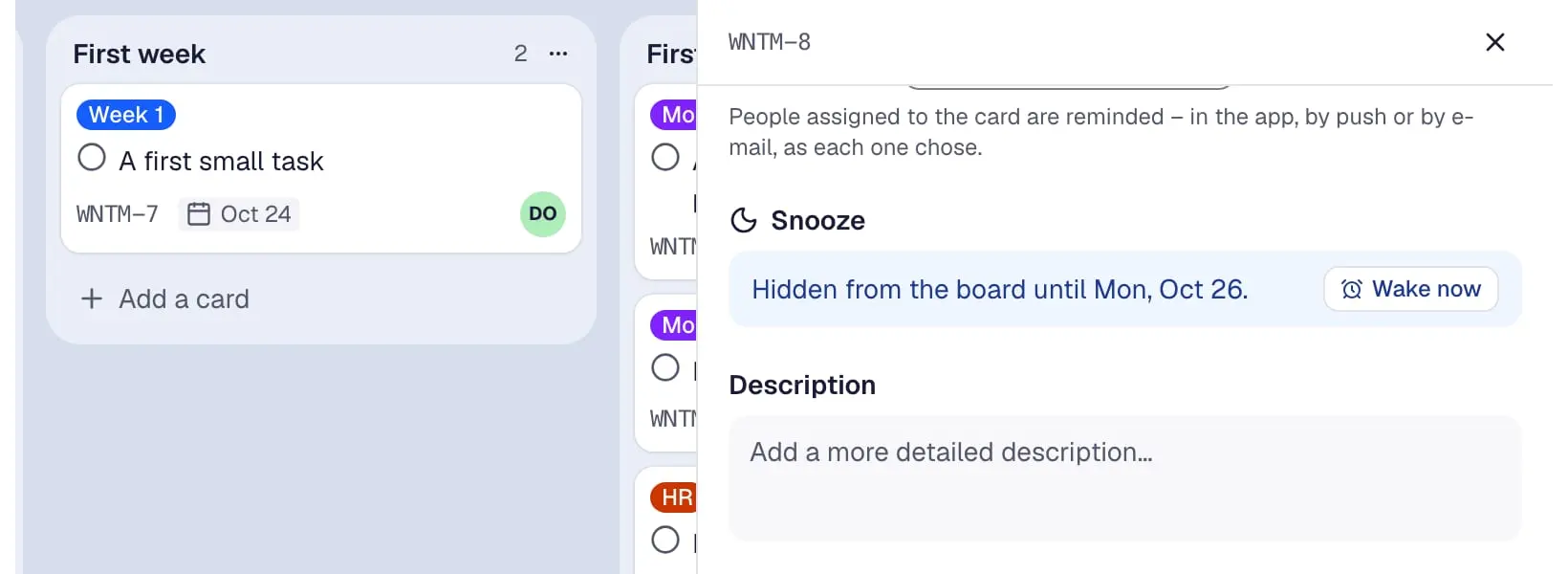
Back next week Dependencies
Available"Blocked by": cards wait for other cards. A hint on the card while something is open, a notice when it can start, and a page with every blocked card. No Gantt chart.
Covers: Card dependencies
Video: the milestone plan is ticked off – the kick-off meeting that waited for it is no longer blocked.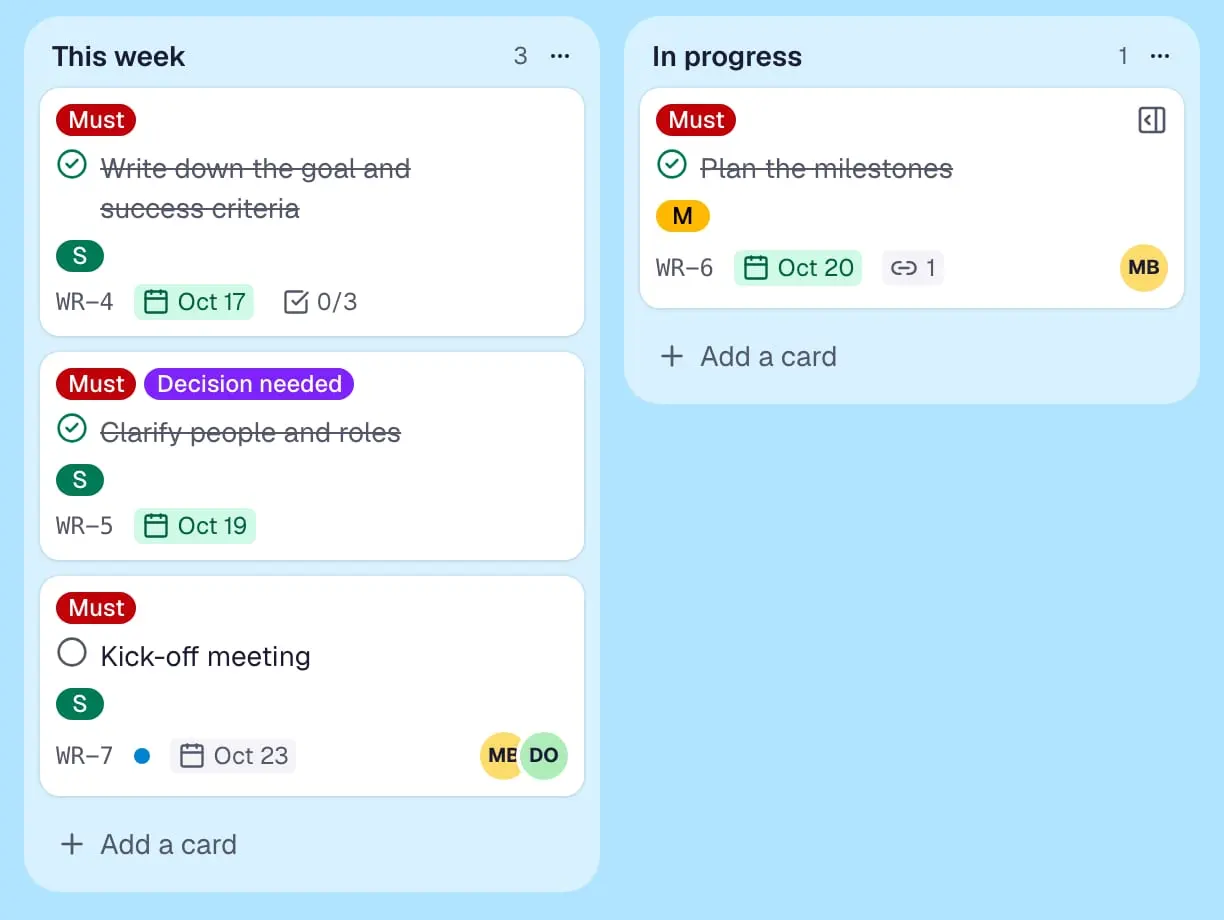
Blocked until done
Automation
Card repeater
AvailableCreates a copy of a card every day, week, month or year – with description, labels, assignees and due date.
Covers: Card Repeater
Video: the weekly social media plan is set to repeat every Monday – a copy of the card then arrives by itself.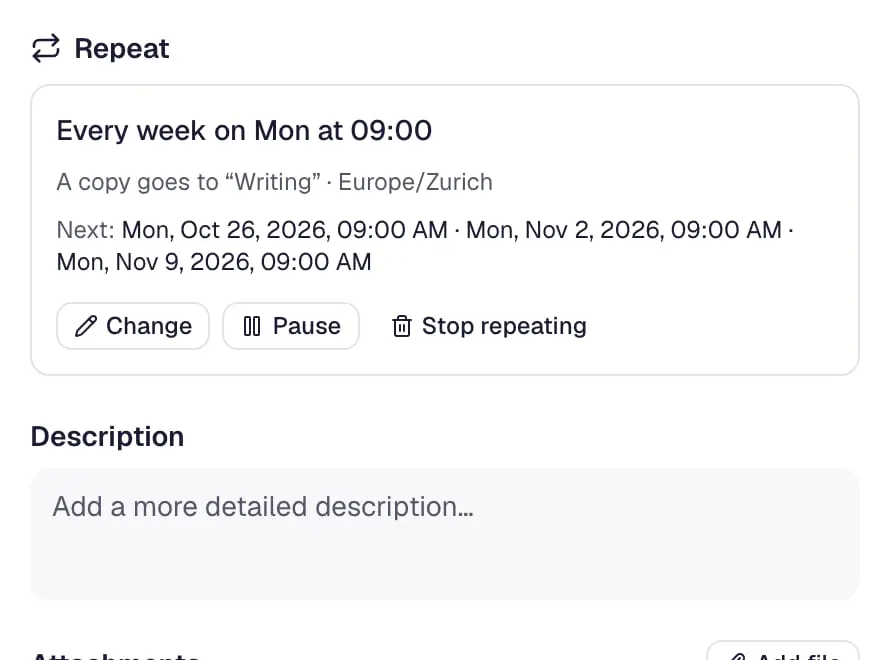
Every Monday, by itself Automation
AvailableRules (trigger, conditions, actions), schedules, and card and board buttons that move, label, assign, comment on cards and more.
Covers: Butler
Video: a card moves to “Review” – a rule assigns the lead, sets a due date and writes a comment.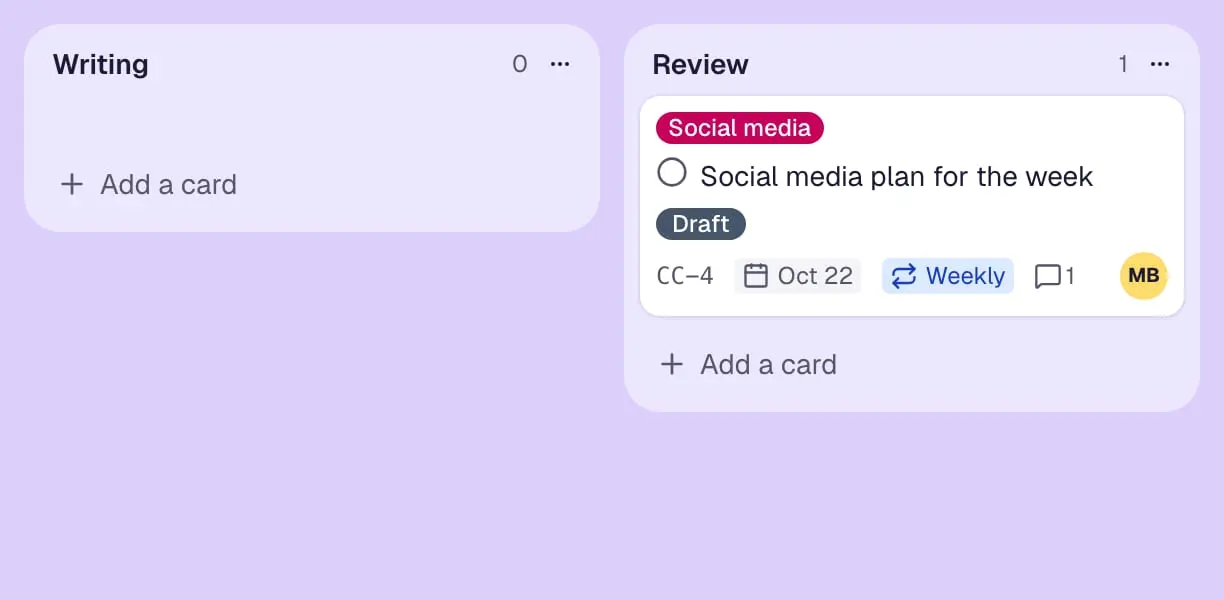
Rules do the rest
Collaboration
Voting
AvailableEveryone can give one vote per card. A count on the card, who voted, and a ranking as a board page.
Covers: Voting
Video: on the votes page, one vote given and one taken back – and the ranking of the ideas turns round.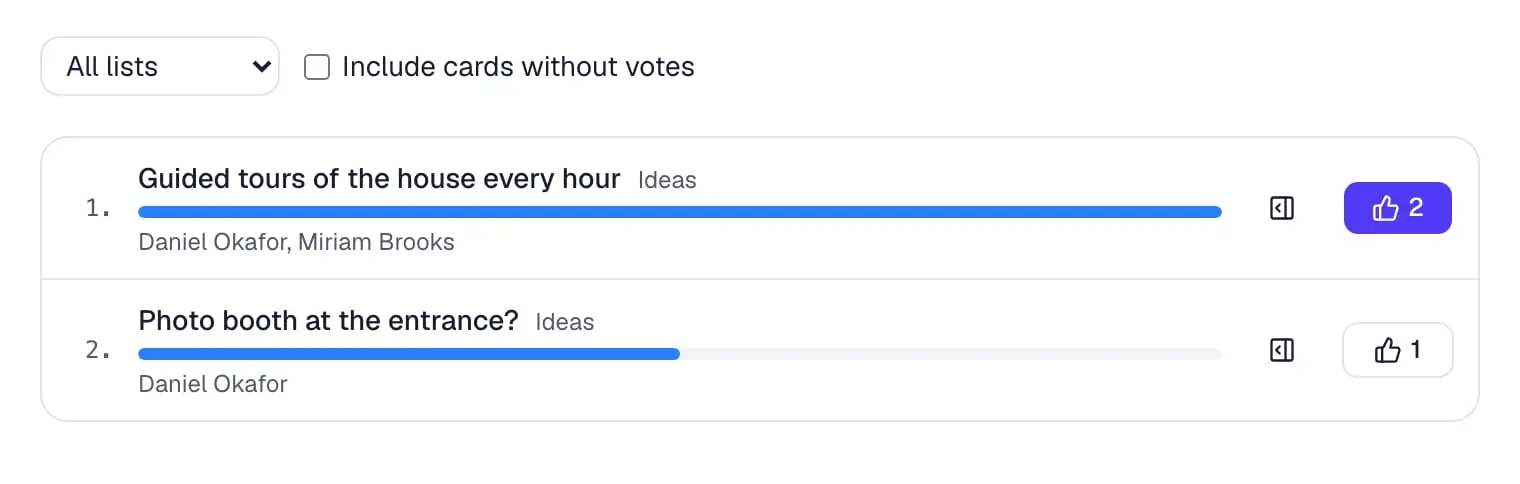
The team votes Read me
AvailableA board page that explains the board: purpose, how it works, links. Simple Markdown, edited right on the page.
Covers: Read Me
Video: the board’s read-me page gets one more line, edited right on the page.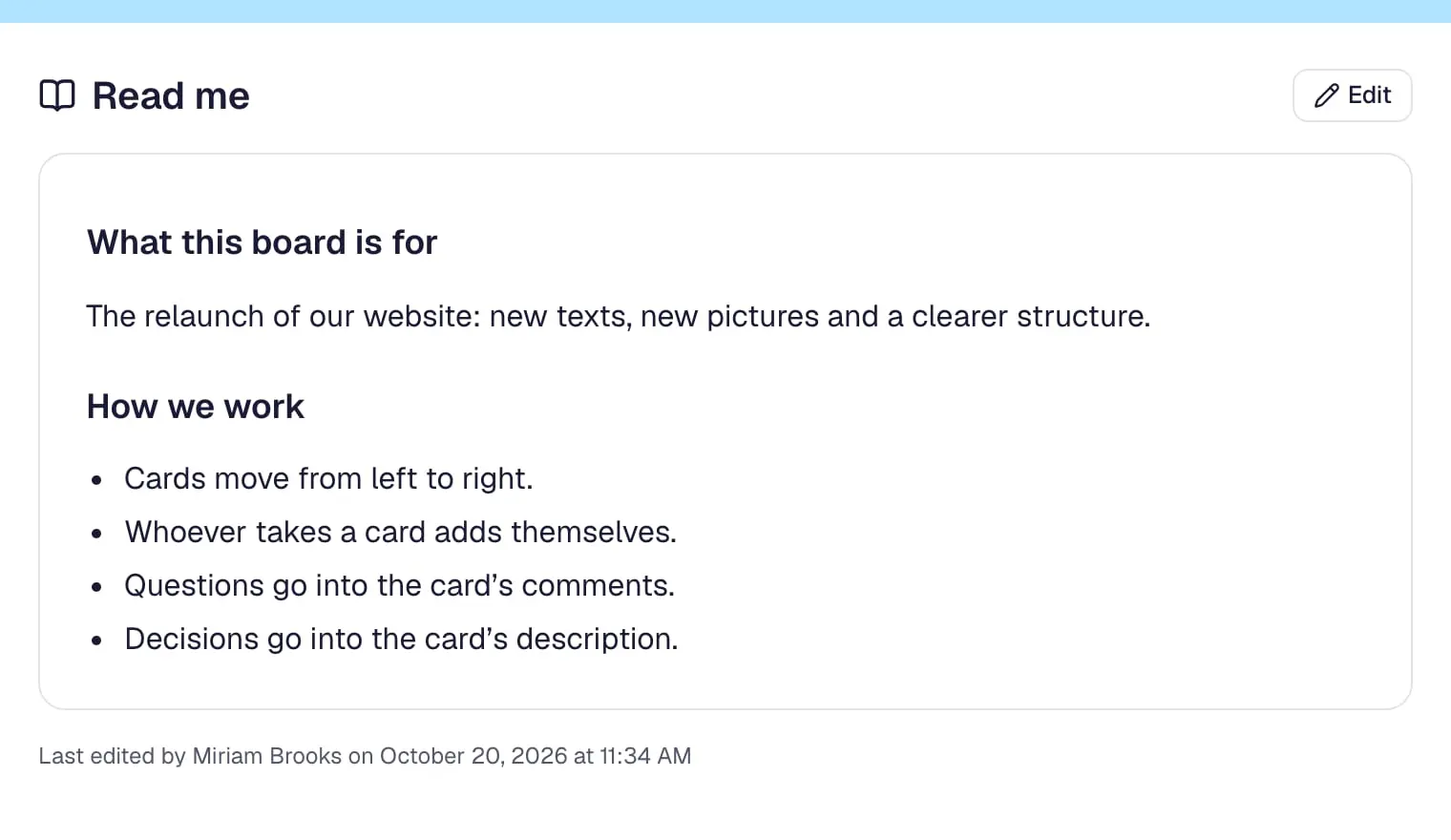
How this board works
Reporting
Card aging
AvailableCards without activity fade over time (or turn yellow in pirate mode), so forgotten work stands out.
Covers: Card Aging
Video: weeks pass on a board, and the cards nobody touched fade to grey.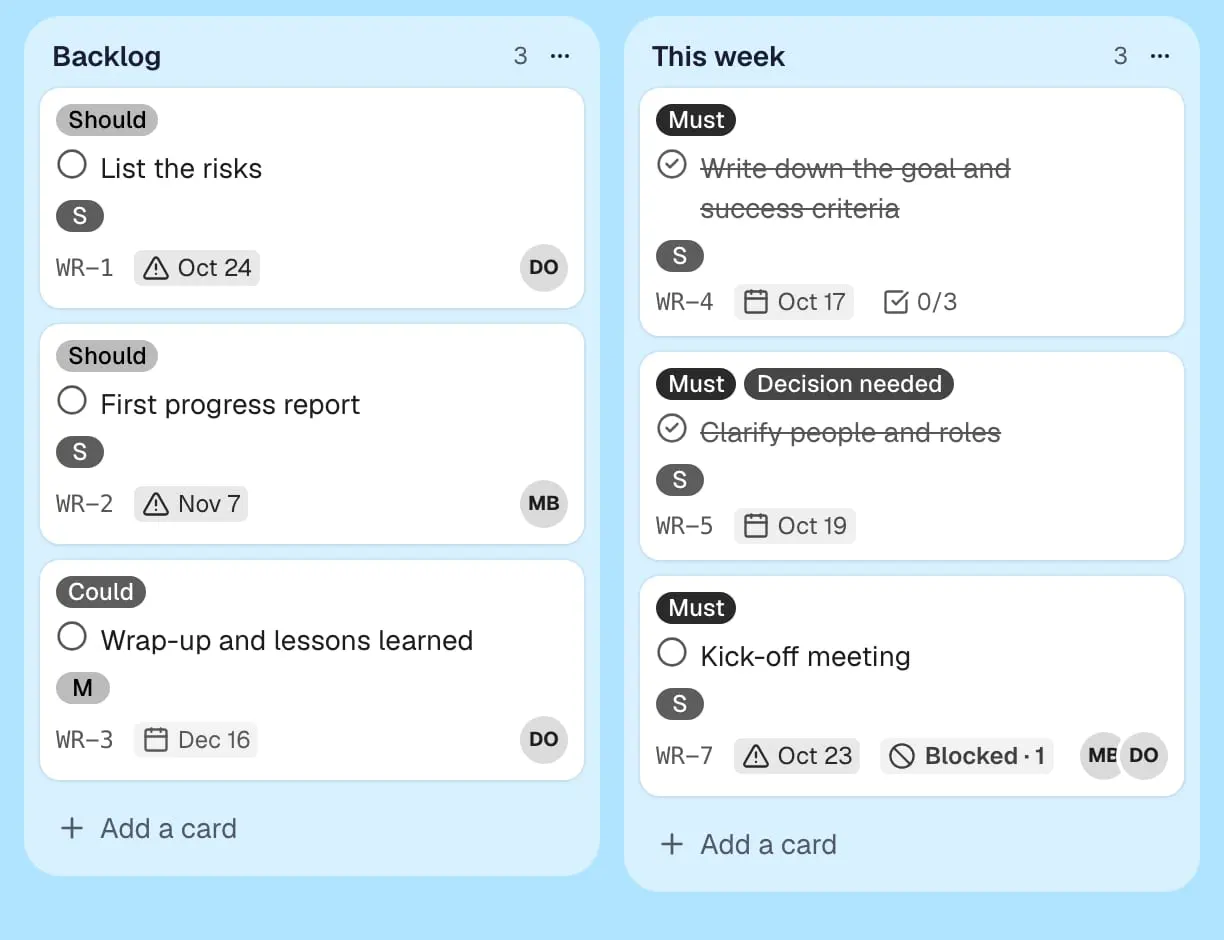
Forgotten cards fade Dashboard
AvailableA board page with counters and charts: cards per list, label and person, overdue, done this week, a weekly trend.
Covers: Dashcards
Video: a board’s dashboard follows along while the team finishes two cards – open, done this week, per list.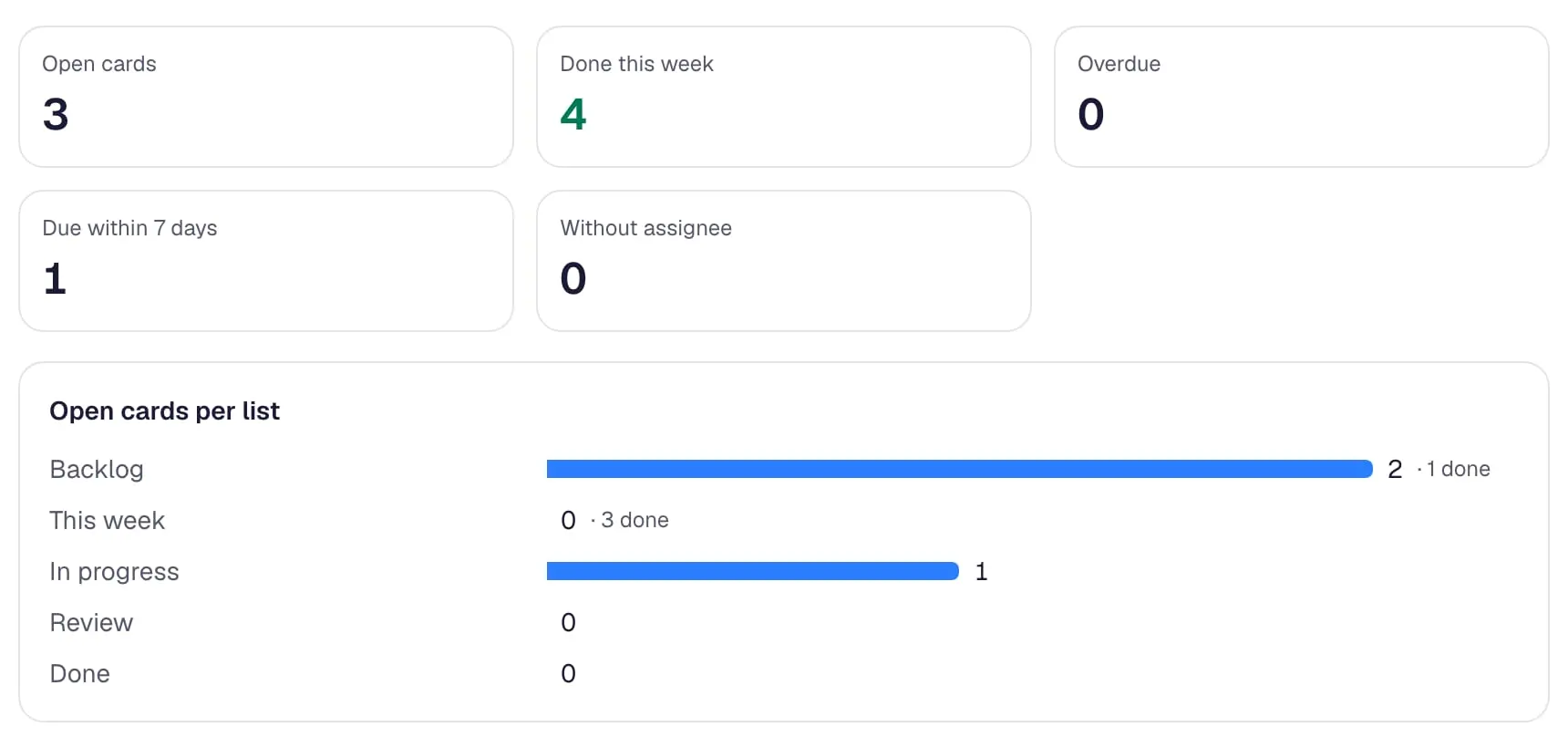
Numbers in real time
Integrations
Links and cloud files
AvailableAttach files and items from Google Drive, OneDrive, SharePoint, Box, Dropbox, Evernote, GitHub, GitLab, Zendesk, Salesforce, Figma and YouTube to cards, with previews.
Covers: Google Drive, OneDrive, Box, Dropbox, Evernote, GitHub, GitLab, Zendesk, Salesforce, Figma
Video: a Google document is attached to a card and shows with its icon and name.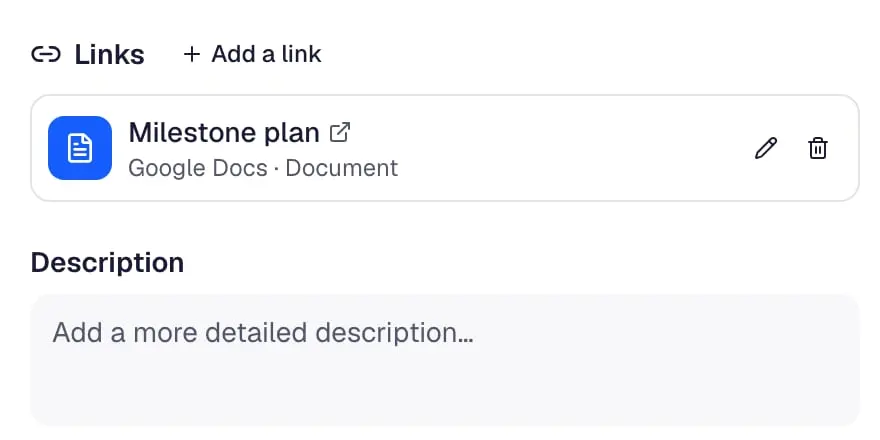
Files from the cloud Chat notifications
AvailableSend new cards, moves, completed cards, comments and cards due soon to Slack, Microsoft Teams, Google Chat or Discord.
Covers: Slack, Microsoft Teams, Google Chat, Discord Notifications
Video: a board is connected to the team’s Slack channel in a few fields – new, moved and finished cards are sent there.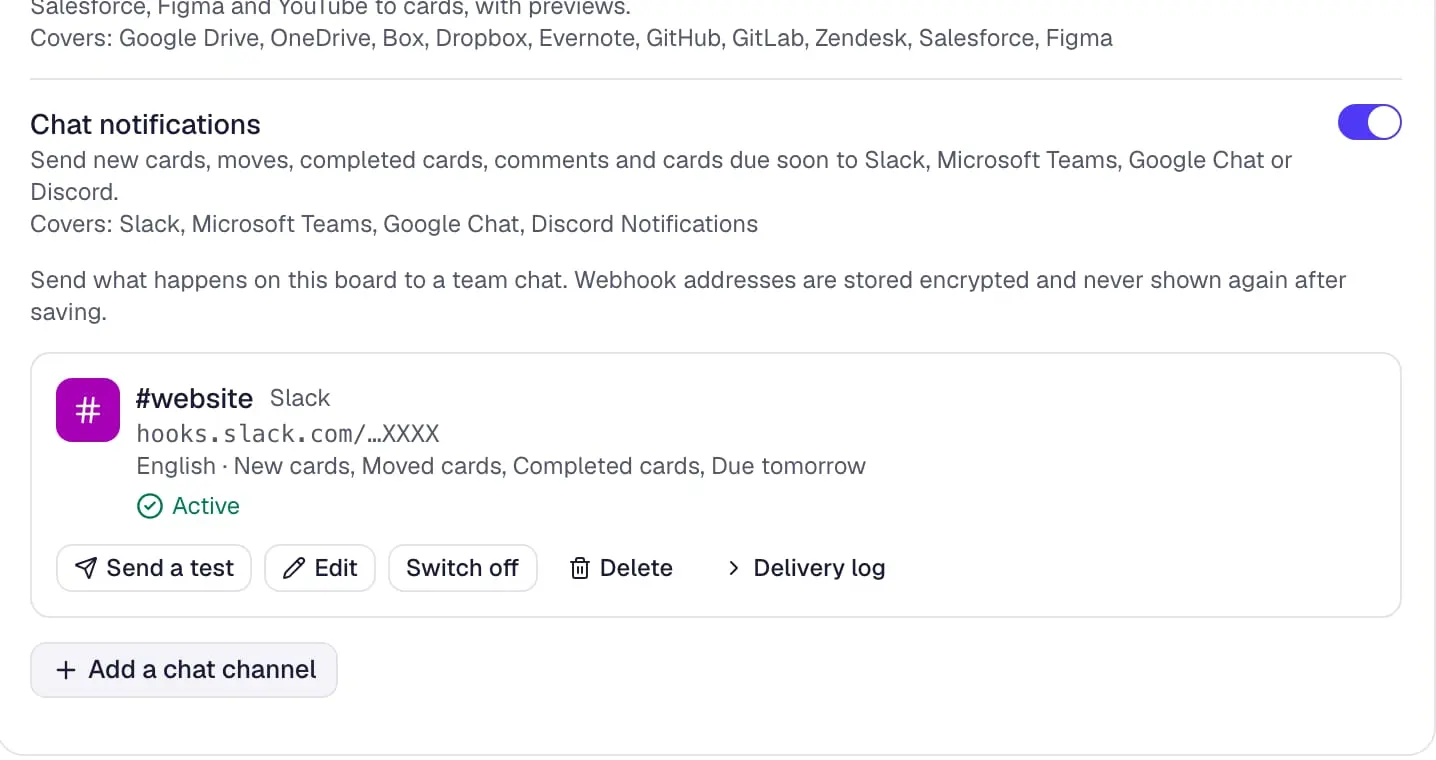
News in your chat
Fields and structure
Package tracker
AvailableTracking numbers on cards: Swiss Post, DHL, DPD, UPS, GLS, FedEx and more are detected, with a link to track the parcel.
Covers: Package Tracker
Video: a tracking number on a card – the carrier is recognised, with a link to track the parcel.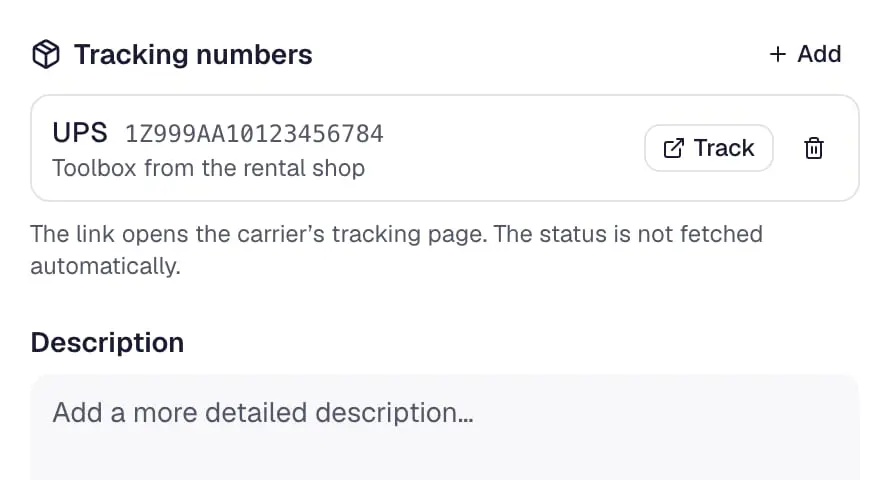
Track the parcel
How Power-Ups work
Board admins switch them on and off on the board’s Power-Ups page; switched off means hidden, not deleted.
- Off means hidden, not deleted
- Switching a Power-Up off hides its data; switching it on again shows it.
- Same rules as the core
- Every Power-Up change is checked on the server like any other change to the board.
- Loaded only when used
- A board without a Power-Up never downloads its code, so boards stay fast.
- No third-party code
- Power-Ups are first-party. Your board data is not shared with add-on vendors.
Questions and answers
What is a Power-Up in Contals?
A Power-Up is an optional feature that a board admin switches on for one board, such as the calendar, automation or date polls. Turning it off hides its data without deleting it.
Do Power-Ups cost extra?
No. As of October 2026 every Power-Up is included in every plan, the free plan too.
Which Power-Ups replace Trello’s?
Calendar, List limits, Card aging, Card snooze, Voting, Read me, Dashboard, Package tracker, Card repeater and Automation (like Butler) cover Trello’s most used free Power-Ups; the countdown is a setting of Due dates, and custom fields and checklists are built in.
Can I install third-party Power-Ups like in Trello?
No. Contals Power-Ups are built by the Contals team only, so board data never goes to add-on vendors. Other tools connect through the public REST API and the MCP server.
Switch on your first Power-Up.
Free for small teams. Volunteers and guests are always free. No credit card.