We move your Trello boards with you. For free.
In a 30-minute video call we guide you through the import into your own Contals account – we never see a password or your export file.
How it works
Ask for a place
Enter rough sizes below, then sign in to Contals.
We answer
Within 2 working days, with dates to choose from.
The call
30 minutes: you share your screen and import, we explain.
Switch
Invite your team, set the Trello boards to read-only.
What moves with you
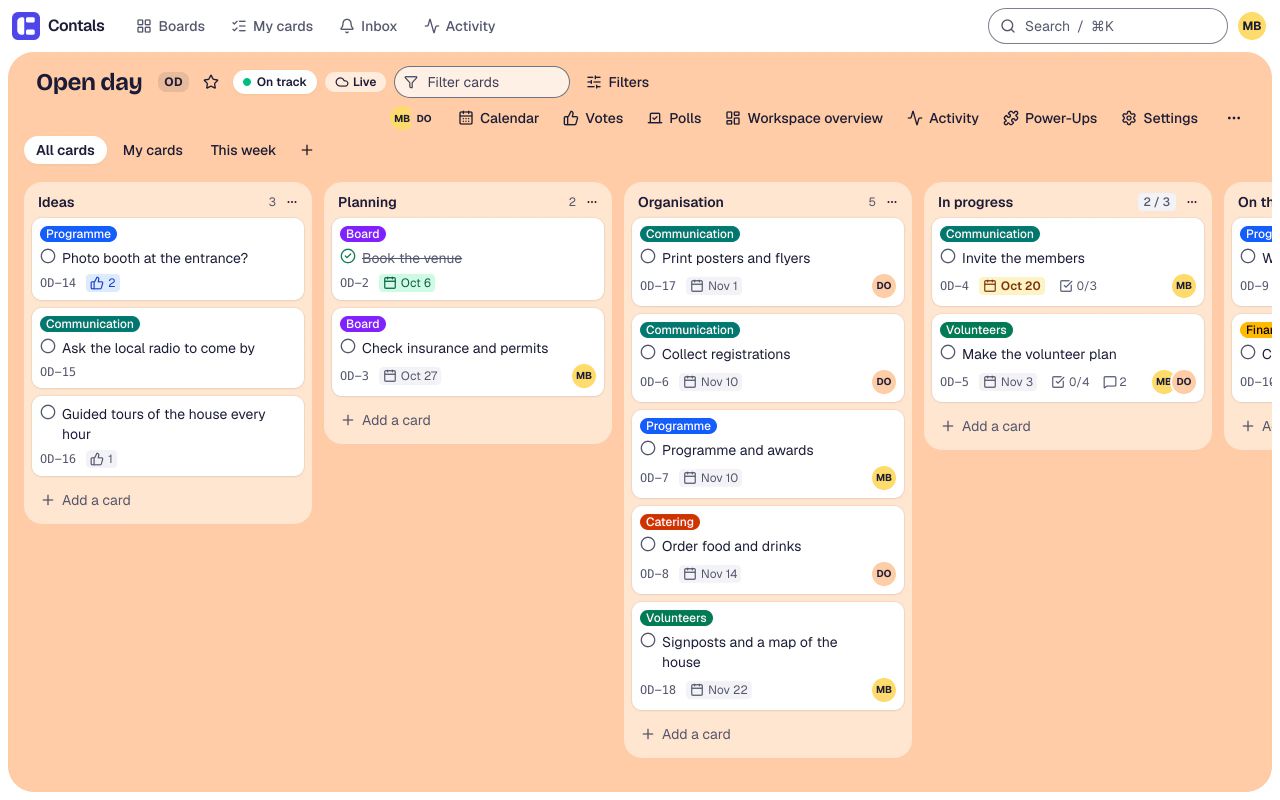
Everything the Trello import brings – one board or a whole workspace, with a preview before anything is created.
What stays behind
- Butler automations – set them up again with the Automation Power-Up
- Stickers
- The activity history (comments come along)
- Data of third-party Power-Ups
What moves with you
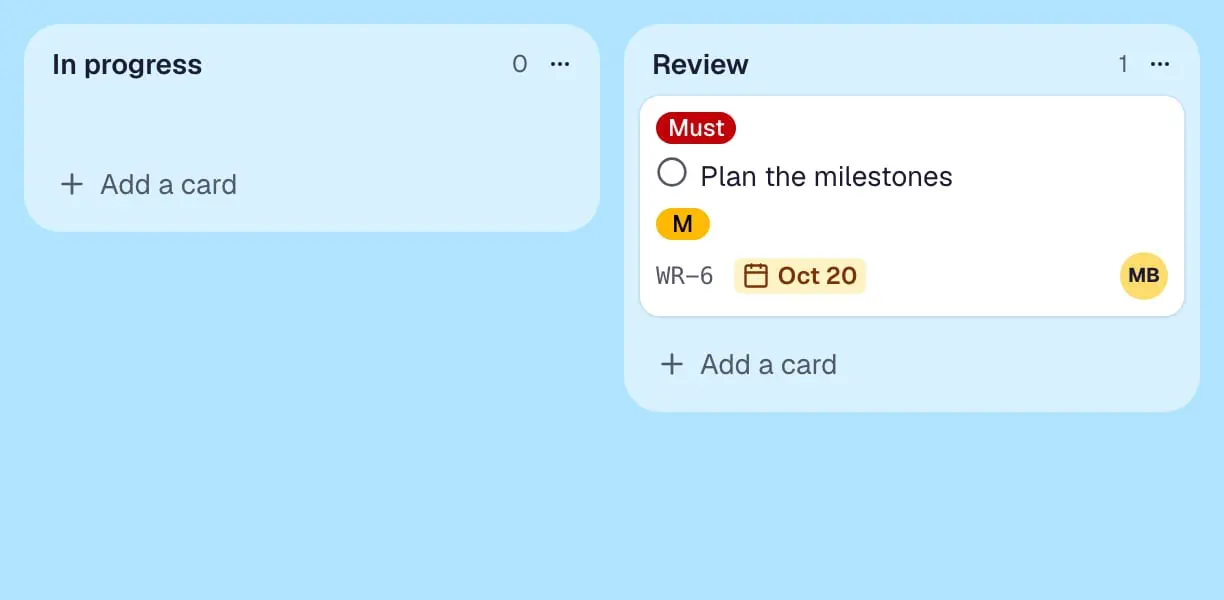
- Lists, cards and their order
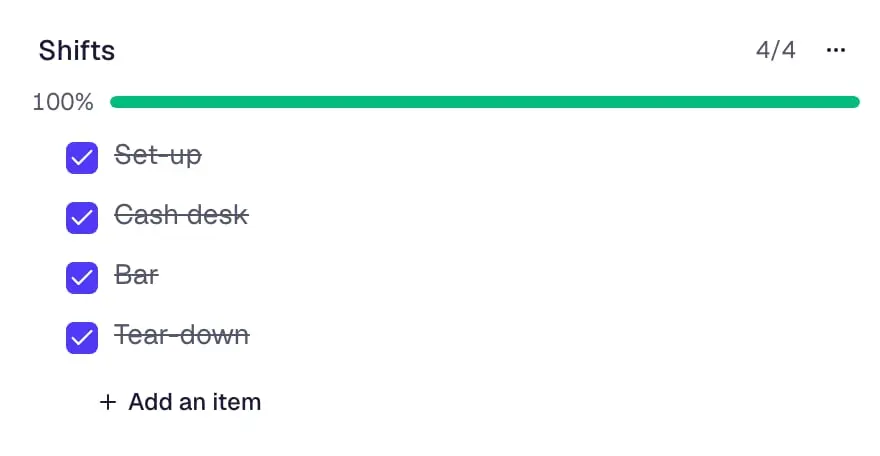
- Labels, checklists with people and dates, custom fields, due dates and reminders
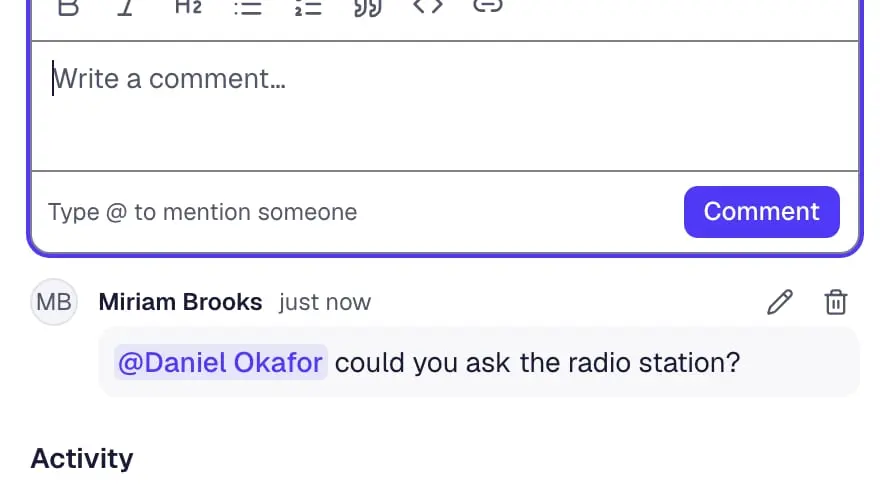
- Comments with their dates
- Members, matched to your people, with their board role
- Votes, list limits, card aging, locations and templates
- Files uploaded to Trello as attachments, covers included (with a Trello API key)
What we see – and what we never see
The service is built so that nobody at Contals needs access to your data.
- Your request
- Organization and workspace names, your name, your e-mail address and your answers – deleted 180 days after it is closed.
- During the call
- Only what you show on your screen; no recording, no control of your computer.
- Never
- No passwords, no access to your boards, no export file sent to us.
Ask for a place
Rough numbers are enough – next you sign in to Contals, and nothing is sent without your consent.
The form sends only these four answers to the Contals app – no name, no e-mail address.
Rather do it yourself?
The Trello import works without us, too: export the boards as JSON (or connect with an API key), choose the files, check the preview.
Questions and answers
What does the migration service cost?
Nothing. It is free for a limited number of organizations moving from Trello to Contals. Your Contals plan is separate; the free plan is enough for many teams.
Do you need access to our Trello or our boards?
No. You export from Trello and import into your own Contals account during the call; we only see what you share on your screen. We never ask for passwords and never receive your export file.
What if all places are taken?
The request page says so. You can still move on your own with the import guide, and write to us if you get stuck.
Can you also move us from Asana, monday.com or ClickUp?
The guided service is for Trello. Contals imports from Asana, Jira, monday.com, ClickUp, Notion, Wekan and CSV or Excel files on its own; the import guide explains each one.